Create your identity, giving nothing away.
When you open the app, pick a @nickname. Your encryption keys are generated on your phone — no number, no email, no real name.
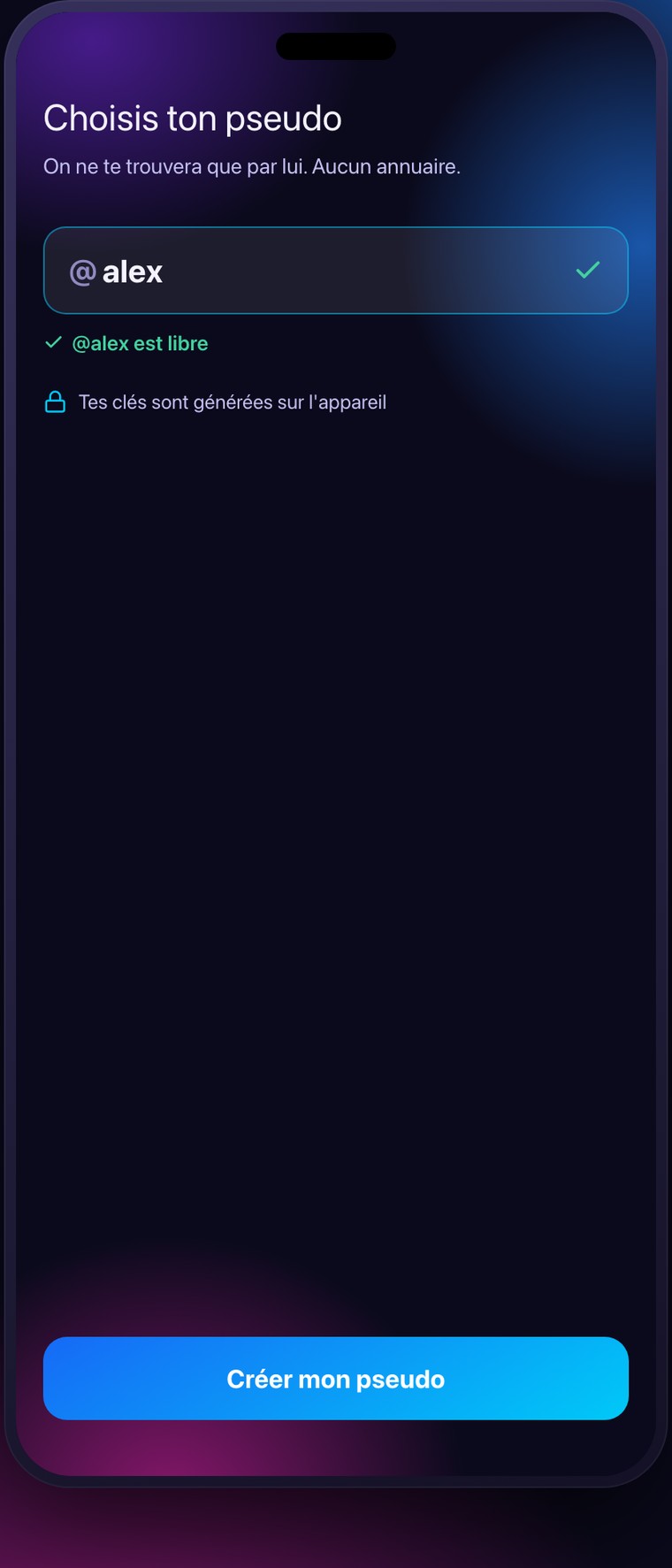
Add a contact by their nickname.
Share your @nickname or your QR code, or search for a friend's. No directory: people only find you if you give it to them.
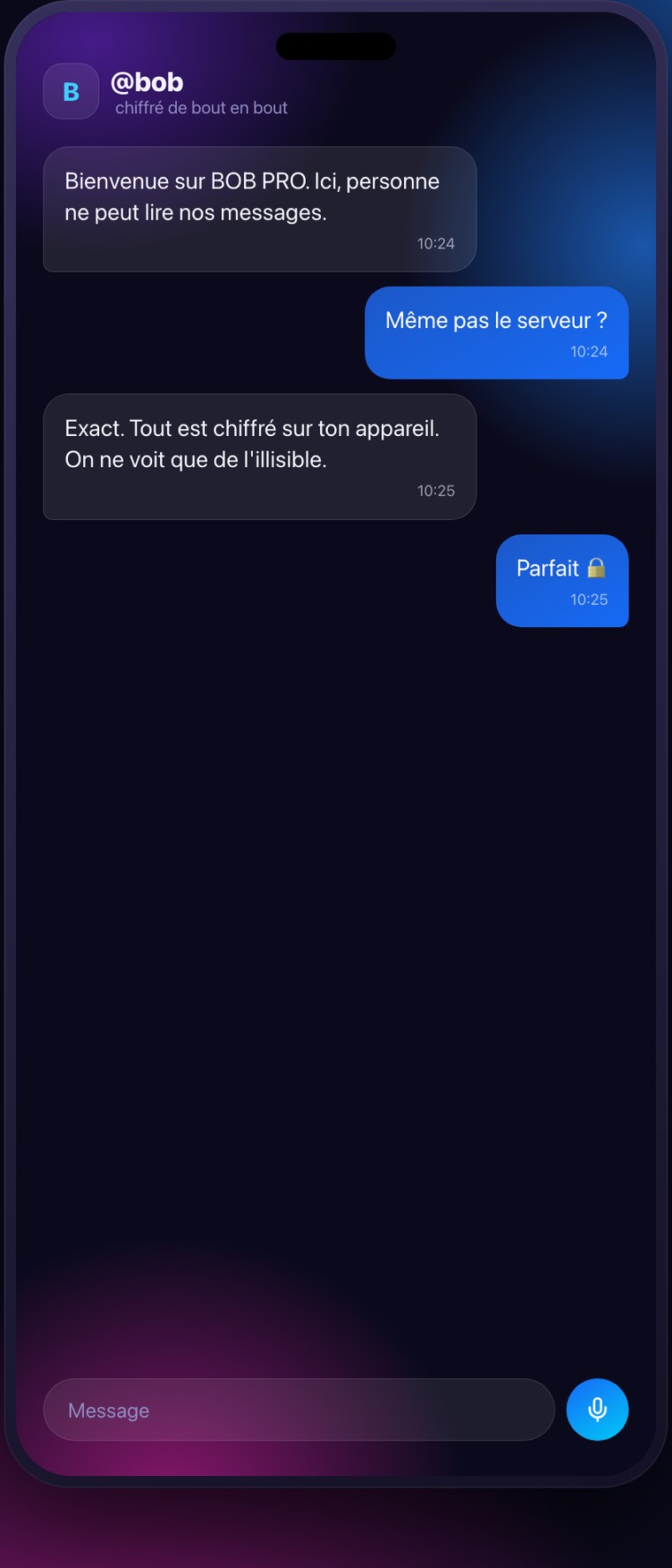
Chat, end-to-end encrypted.
Messages, photos and voice notes, encrypted on your phone before being sent.
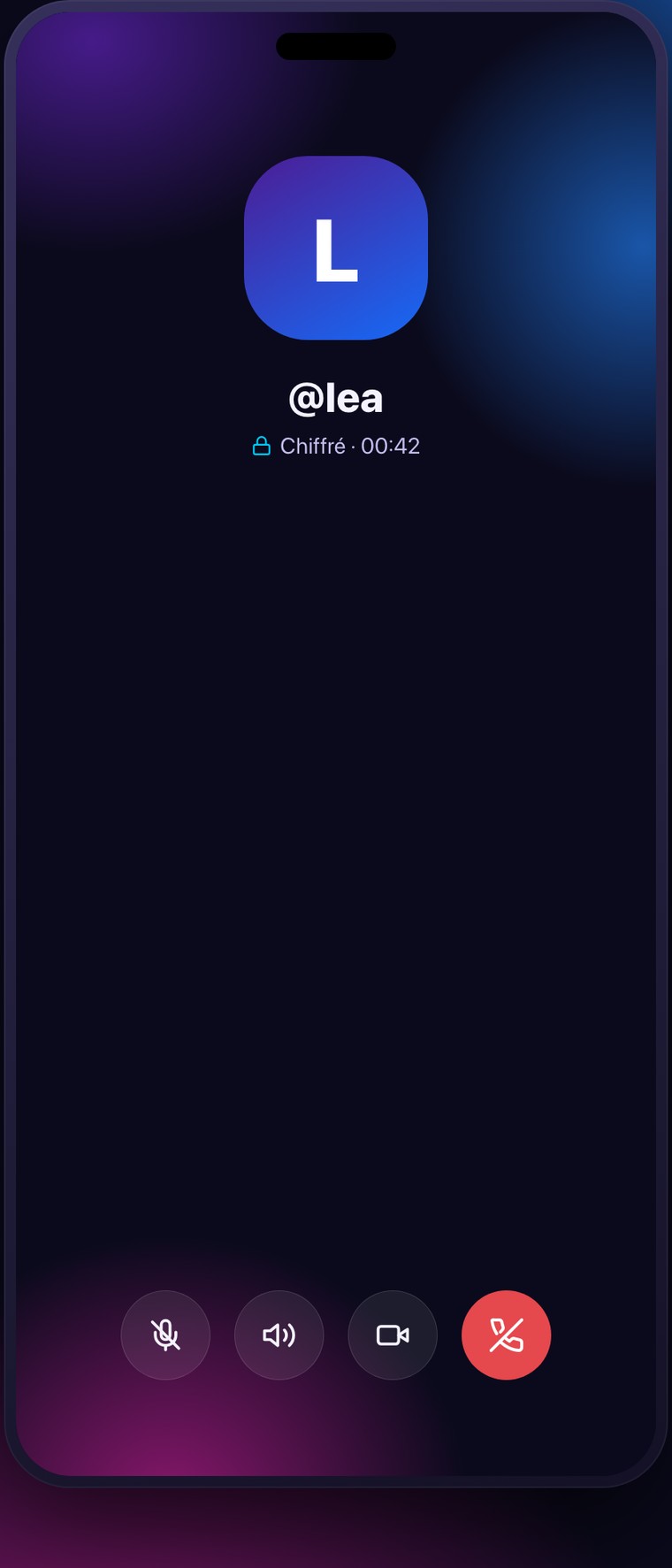
Call in audio or video.
From a conversation, choose audio or video. Direct calls between compatible mobile apps negotiate end-to-end encryption; computer calls and voice rooms do not currently provide it.
Create a group that fits how you use it.
Invited to a group? First create your account on mobile. Then accept the invitation in the app, or enter the organiser’s code in the join-group flow. If the group key is still pending, ask a member who is already connected to open the group.
Choose the type of group when you create it — family, club, association, company, gaming. Bob Pro switches on the modules that match it.
Organise an event, one-off or repeating.
A party, a weekly meeting, a training session, a gaming night — one-off or recurring. Everyone says whether they're coming for each date.
Schedule a team, even on rotating shifts.
Create shifts and let everyone sign up. Bob Pro handles the shifts that start in the evening and end the next day, and works out the coverage.